QR catalogs with 3D for businesses in Armenia

Let customers see it before they choose

A customer scans a QR code and opens your menu or catalog on their phone: in Armenian, Russian or English, with photos and 3D models they can turn around and place in front of them through the camera. No app to install.

See the demosI want this for my business

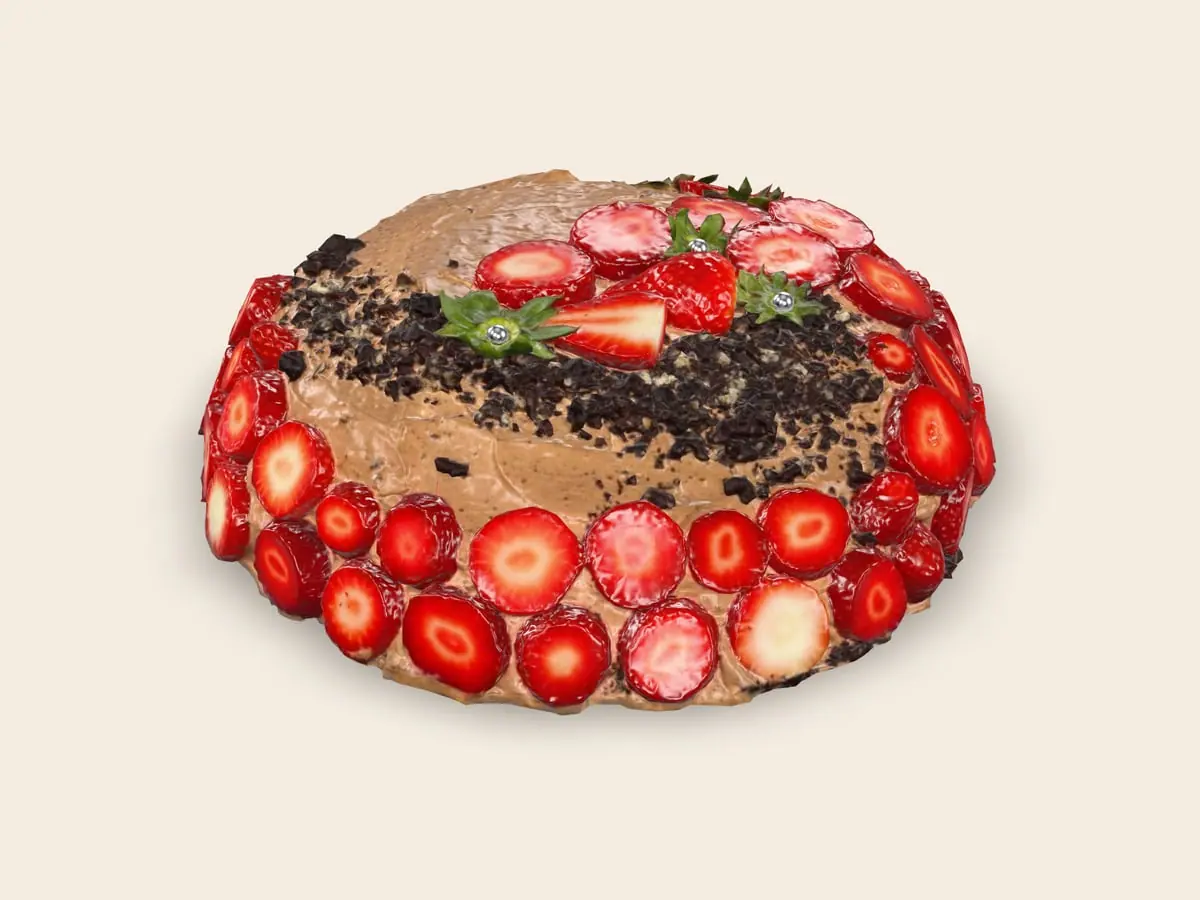
Chocolate cake with strawberries

One scan, and the menu is open

A QR code on the table, the door or a price tag. The camera of any phone opens your catalog in seconds.

  • No app, no sign-up
  • Three languages
  • Change a price in a minute

Turn it, look closer, put it on your table

Restaurants and cafes

A menu by sections with photos, dietary labels and sold-out marks. A QR code on each table shows the table number, and a dish can be seen in 3D right on the table.
Open the demo

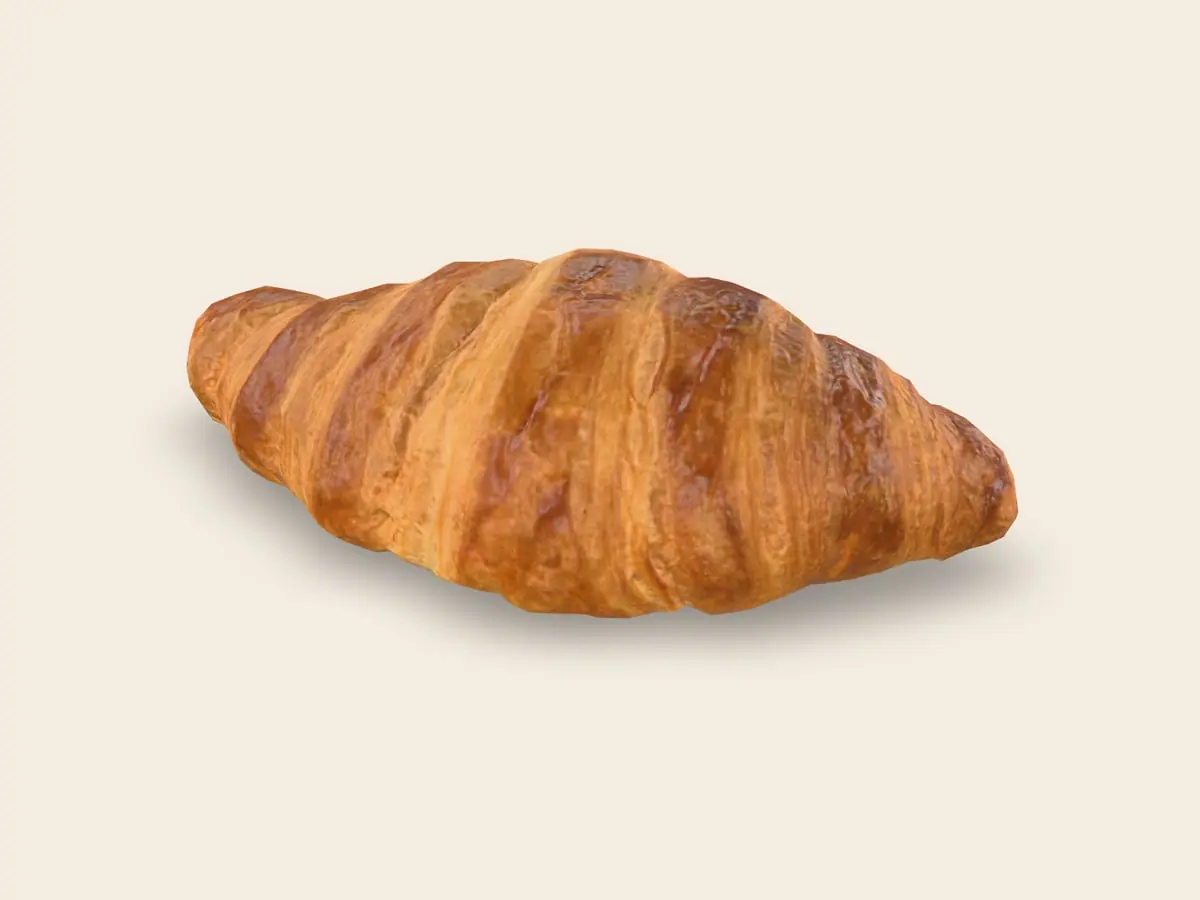
Butter croissant

Butter croissant900 ֏

Turn it, look closer, put it on your table

Flower and plant shops

Bouquets and arrangements with photos, sizes and prices, and one tap to order by message. Pots, vases and plants can be shown in 3D.

Open the demo

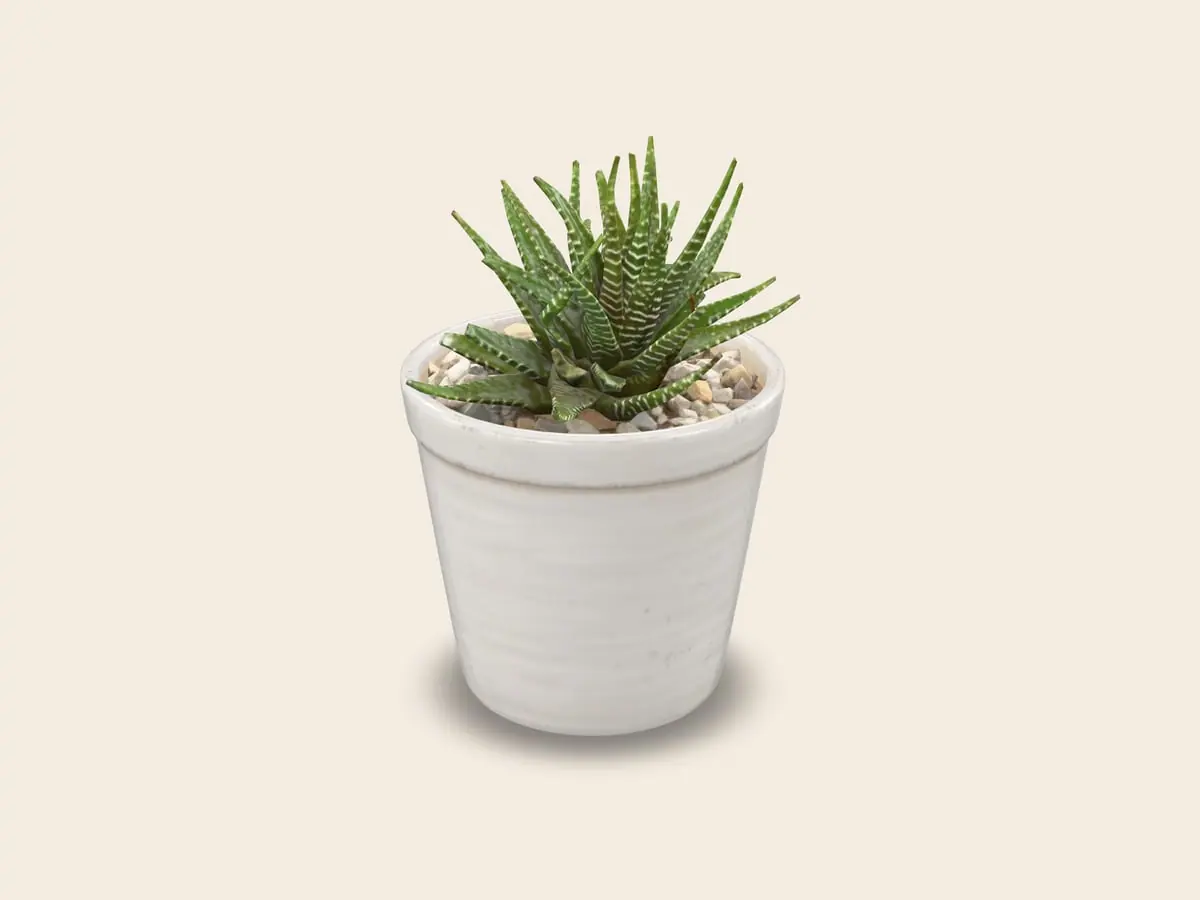
Haworthia in a white pot

Haworthia in a white pot6 500 ֏

Turn it, look closer, put it on your table

Furniture and decor

Dimensions on every item, and the customer can place the piece in their own room in real size before visiting the showroom.

Open the demo

Leather swivel lounge chair

Leather swivel lounge chair420 000 ֏

Turn it, look closer, put it on your table

Gift shops and others

Ceramics, souvenirs, toys, cosmetics: anything you show and sell. Categories, photos, options and a contact button.

Open the demo

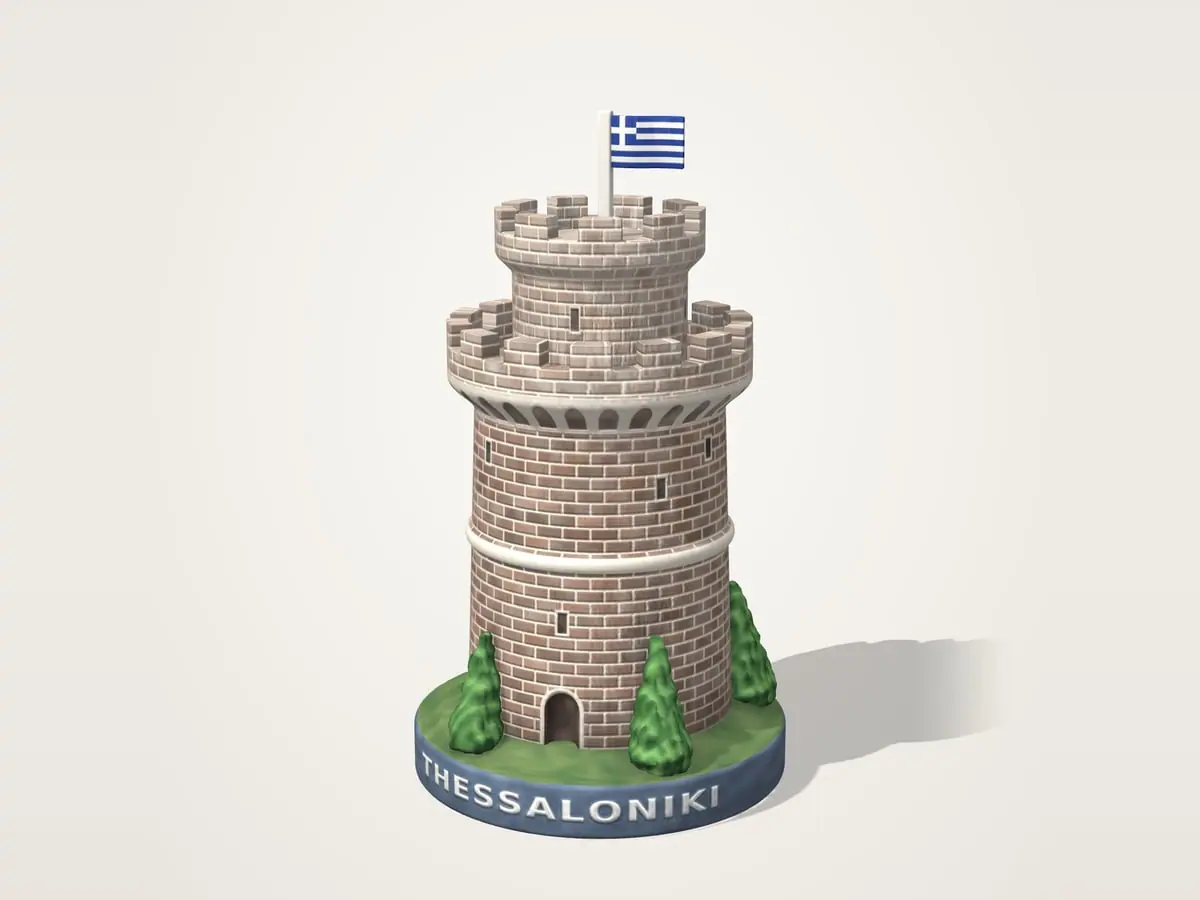
White Tower souvenir, Thessaloniki

White Tower souvenir, Thessaloniki6 000 ֏

Made for your kind of business

Bags, shoes and clothing

A product grid with sizes and colors, each with its own price. Bags and shoes look especially good in 3D, from every side.

Jewelry and accessories

Several photos per piece, options and availability, and a direct message to ask about a piece.

It speaks your customer’s language

Armenian, Russian and English. The page opens in the language of the customer’s phone, and they can switch at any time.

What you get

Items in 3D

Customers turn an item with a finger and, through the phone camera, see it in real size on their table or in their room. Works on Android and iPhone; other phones show the photo.

Three languages

Armenian, Russian and English. The page opens in the language of the customer’s phone, and they can switch at any time.

Fast on any phone

Pages are light and open quickly, even on an inexpensive phone with mobile internet. Photos load as the customer scrolls.

QR codes for everything

Print-ready codes for the whole catalog, a table, a category or a single item: on the door, a shelf or a price tag. A printed code never changes.

A message in one tap

Every item has the contact button you choose: WhatsApp, Telegram, Instagram or a phone call. In WhatsApp and Telegram the message already names the item.

You edit it yourself

Change a price, add an item or mark it as out of stock from your phone or computer. See how often the catalog is opened and which items people look at most.

How it works

  1. Write to us

    Send a request. We create a page for your business and give you access.

  2. Add your items

    Enter the categories, items, prices and photos. 3D models are added item by item.

  3. Print the QR codes

    Place them on tables, shelves or the door. After that you only update the catalog: the codes never need reprinting.

Where do the 3D models come from?

A model is made from photos of the real object taken from every side. Solid objects come out best: dishes, bags, shoes, ceramics, furniture. Flowers, glass and shiny jewelry are harder, and for them good photos often work better. You can upload your own files (GLB and USDZ), or ask us about making models of your items. An item without a model shows its photos.

Try the demos

Scan a code with your phone camera or open a demo here. The businesses and items in them are fictional.

Get Spotly for your business

Leave your contact details and we will get back to you.

Common questions

Do customers need to install an app?

No. After scanning the QR code, the page opens in the phone’s browser.

Which phones show 3D?

Turning an item in 3D works in current browsers on Android and iPhone. Seeing it in your own space through the camera needs a phone that supports AR: most iPhones of recent years and many Android phones. On other phones the customer sees the photos.

What if I change the catalog after printing the QR codes?

Nothing needs reprinting. A QR code leads to an address that does not change.

Can customers order or pay online?

Not at the moment. Spotly shows your menu or catalog, and the contact button lets a customer write or call you about an item.